Vysor - Android control on PC
ClockworkMod
Downloads
5,000,000+
Source
Google Play
Advertisement
Click to download now, finish the installation quickly, and directly unlock the all-round experience
Advertisement
Screenshots
Click to download now, finish the installation quickly, and directly unlock the all-round experience
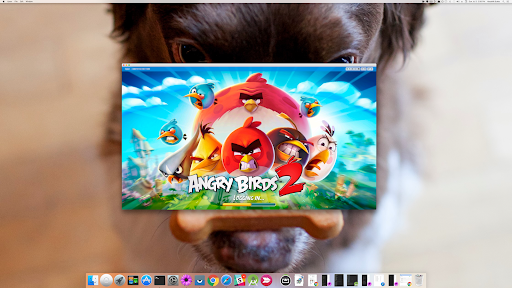
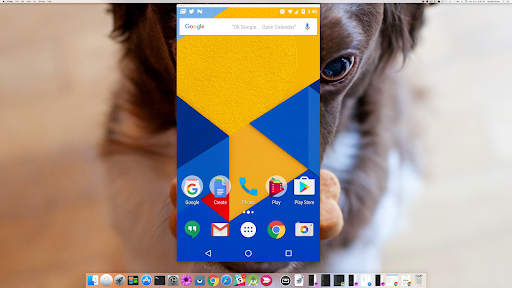
Vysor - Android control on PC mirrors an Android screen to a computer and lets you interact with the device using a mouse and keyboard. It suits people who want to use phone apps at a desk, show a device’s screen during a presentation, or avoid handling the phone while working on the computer.
Vysor is not a standalone phone-only tool: you need to connect the Android device to a computer and follow setup instructions. The supplied information includes enabling USB debugging and using Vysor on the computer. Wireless mirroring is also listed, but check that the connection options fit your devices and working environment before relying on it.
If you are choosing mainly for remote help, Vysor Share can let you show your screen to another person. For app developers, the stated uses include testing and debugging on real Android devices remotely. These are different jobs from simply viewing a phone screen, so compare candidates based on which one you need.
Vysor is listed in Productivity and is developed by ClockworkMod. It has a 3.16 rating from 12,795 ratings and 5,000,000+ installs. Those figures give a sense of its reach, but they do not show whether its connection method or controls will suit your computer. Put Vysor beside two or three alternatives, identify the features you cannot do without, then choose through Google Play.