Advertisement
Click to download now, finish the installation quickly, and directly unlock the all-round experience
Advertisement
Screenshots




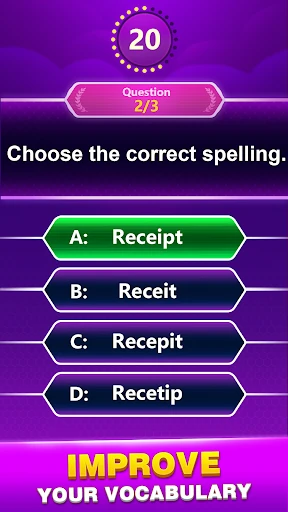
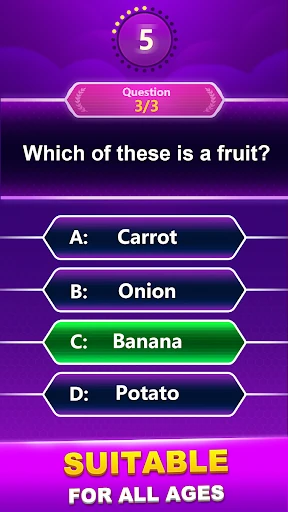

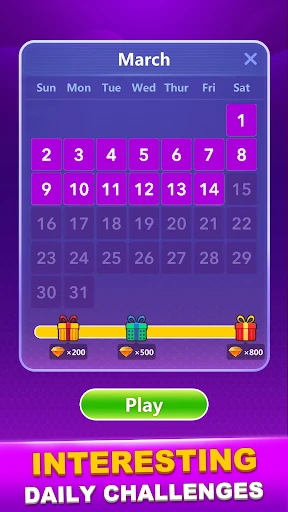

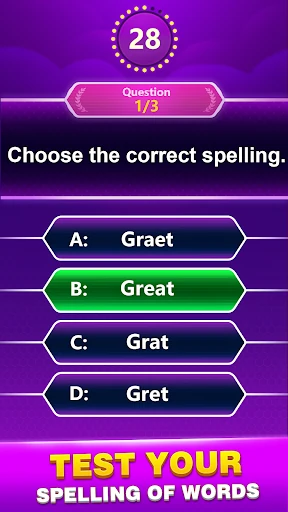
Click to download now, finish the installation quickly, and directly unlock the all-round experience
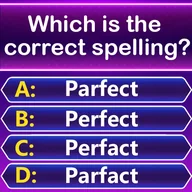
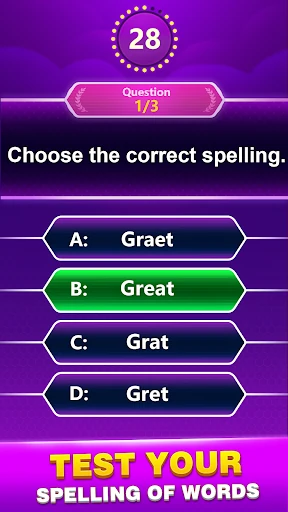
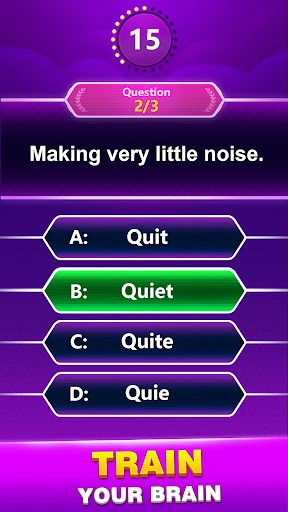
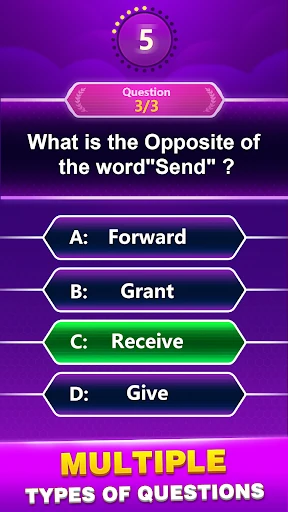
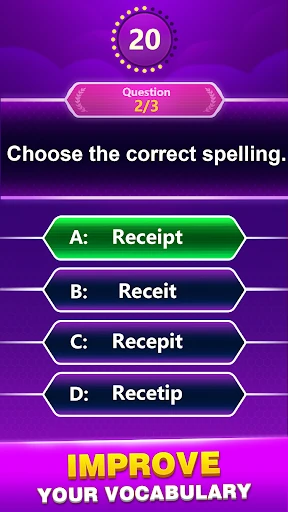
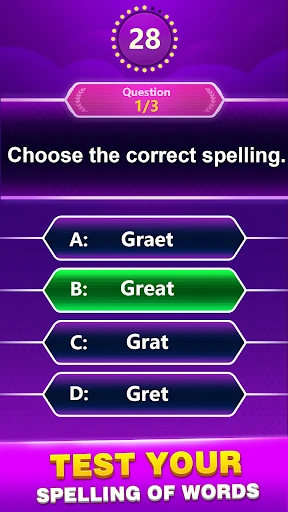
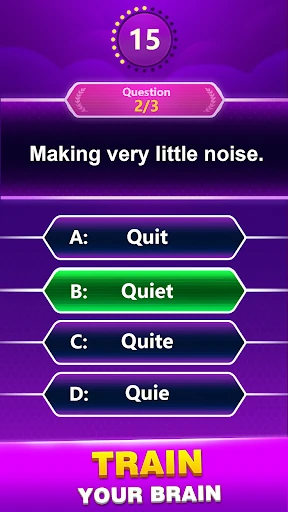
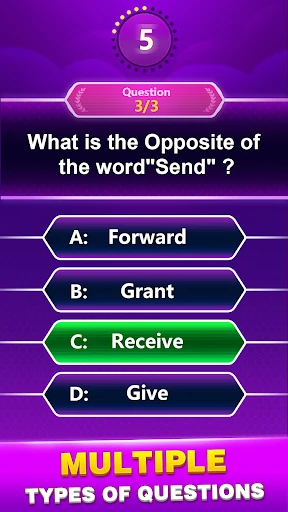
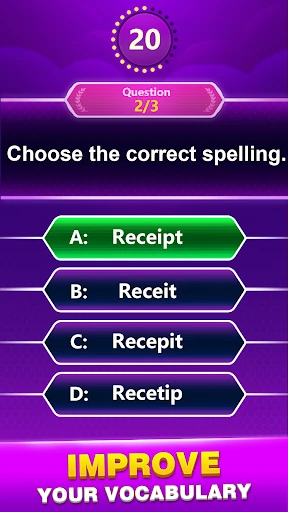
Spelling Quiz - Word Trivia is a word game built around questions that test whether you can identify correctly spelled words. It suits players who want a casual spelling challenge, or a little word practice in spare moments, rather than a traditional lesson. Topy Games is the developer.
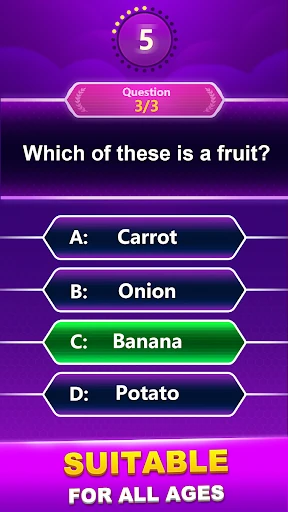
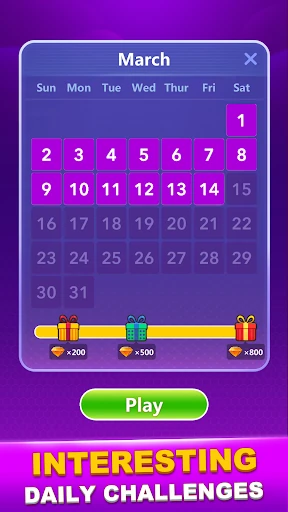
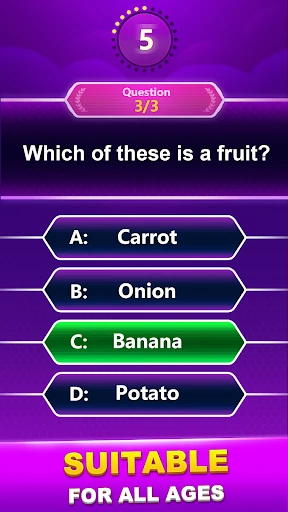
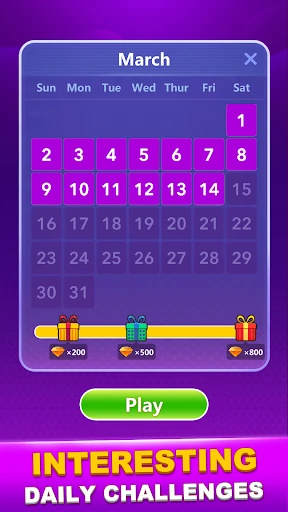
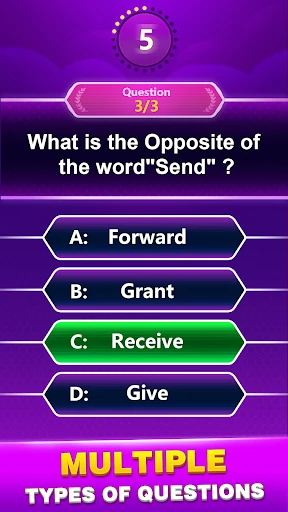
The listing describes thousands of quiz questions, with tools to help when a level gets difficult. Daily chests and gems add rewards to the routine, while a worldwide leaderboard gives players a reason to compare scores. The game can be played offline, so an internet connection is not required for every session.
Consider whether you want spelling questions specifically or a broader word game. This app keeps the focus on spelling and word knowledge; its leaderboard and rewards may appeal if you like goals alongside the questions. If you would rather practise without competitive scoring or in-game rewards, compare it with a simpler spelling app before deciding.
Offline play is useful for short sessions away from a connection. The listing also presents the game as free, but check the current Google Play details for the terms and any purchase options. If learning is the main aim, try a few questions and see whether the format helps you notice and remember spelling patterns.
Spelling Quiz - Word Trivia has a 4.8-star rating from about 96,900 reviews and more than 10 million installs. Those figures suggest broad uptake, but they do not tell you whether its question style or difficulty will suit you. Use them as context, not as a substitute for checking the gameplay details.